Workflow automations with Airtable
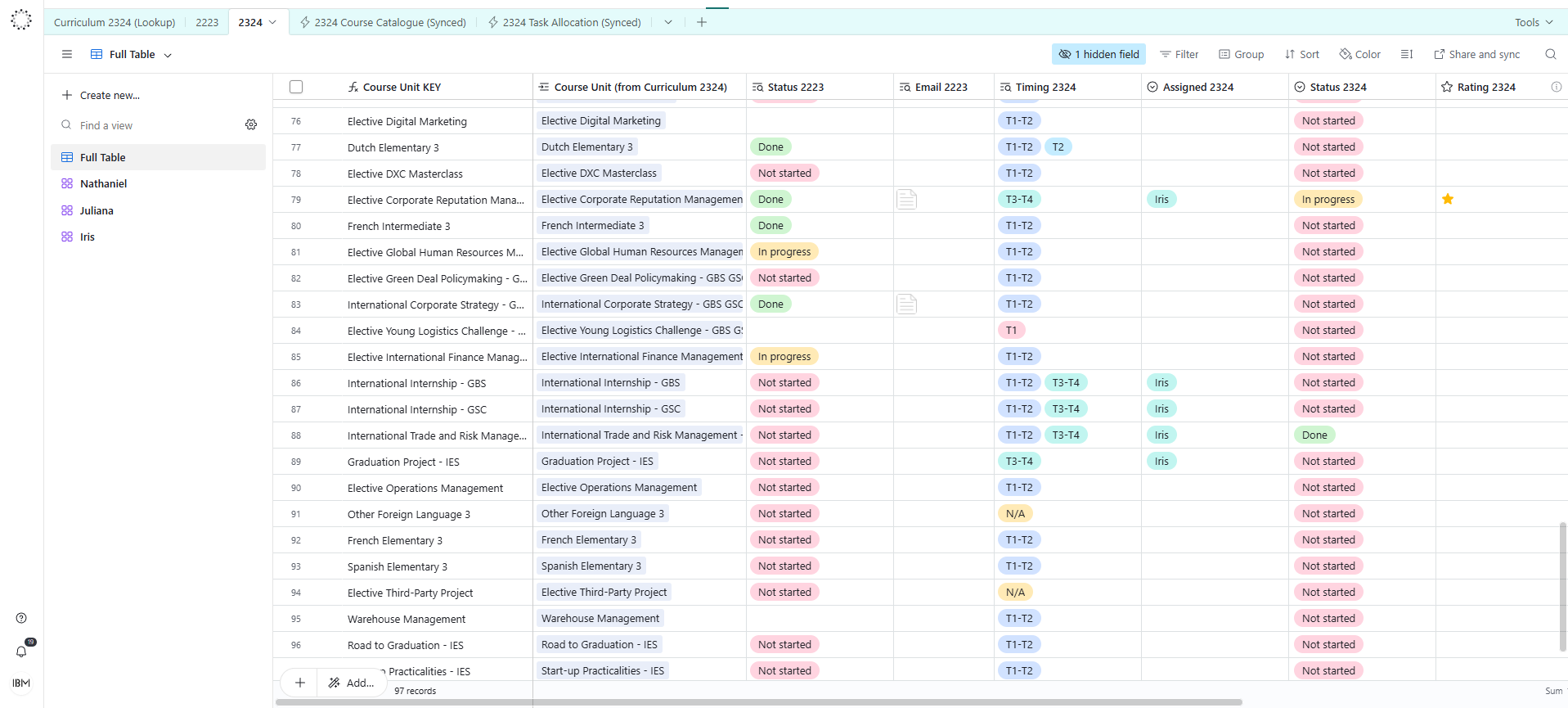
Airtable sits somewhere between a spreadsheet and a database - but feels like neither. It lets you collect, organise, and connect information in a way that is visual, flexible, and surprisingly easy to use. No technical background required.
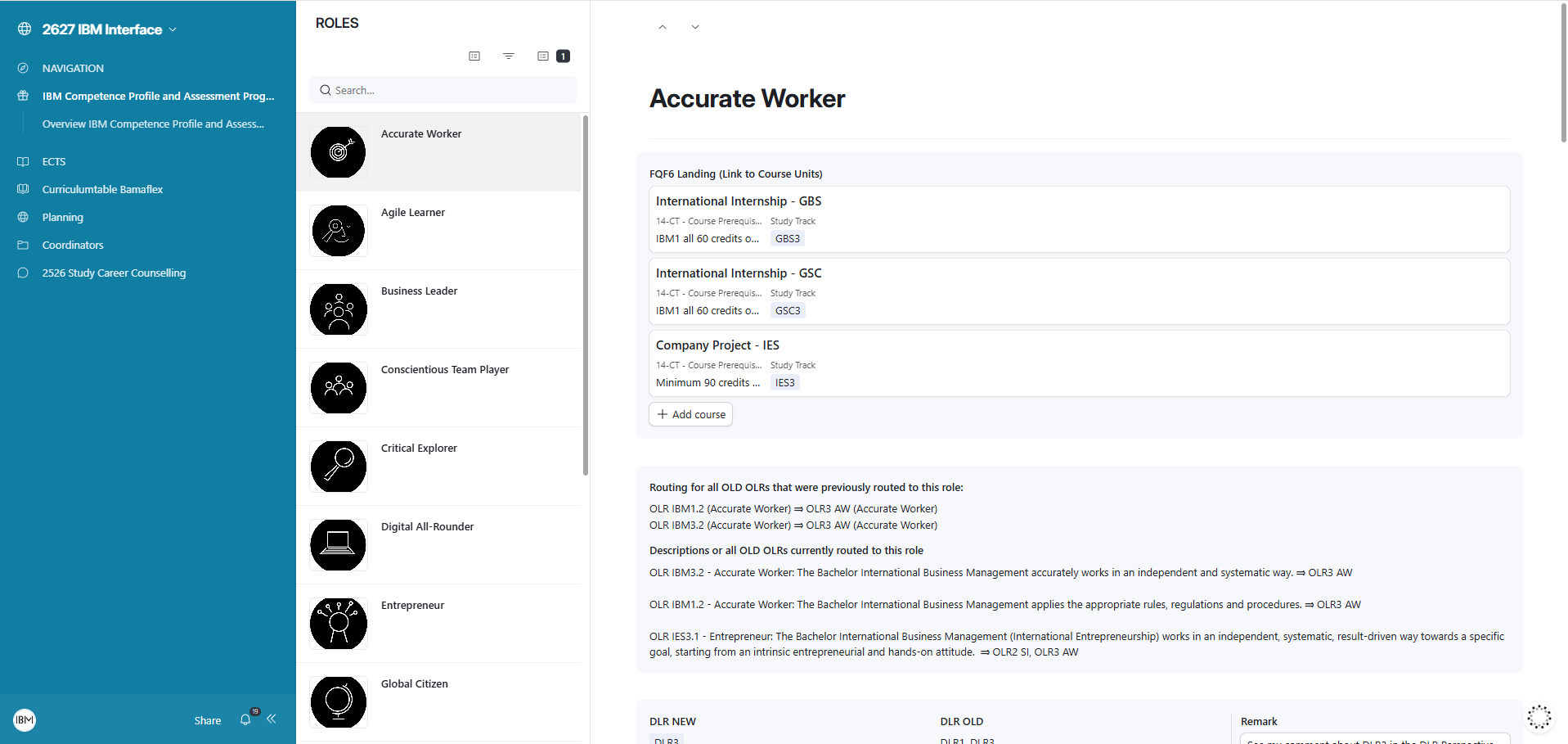
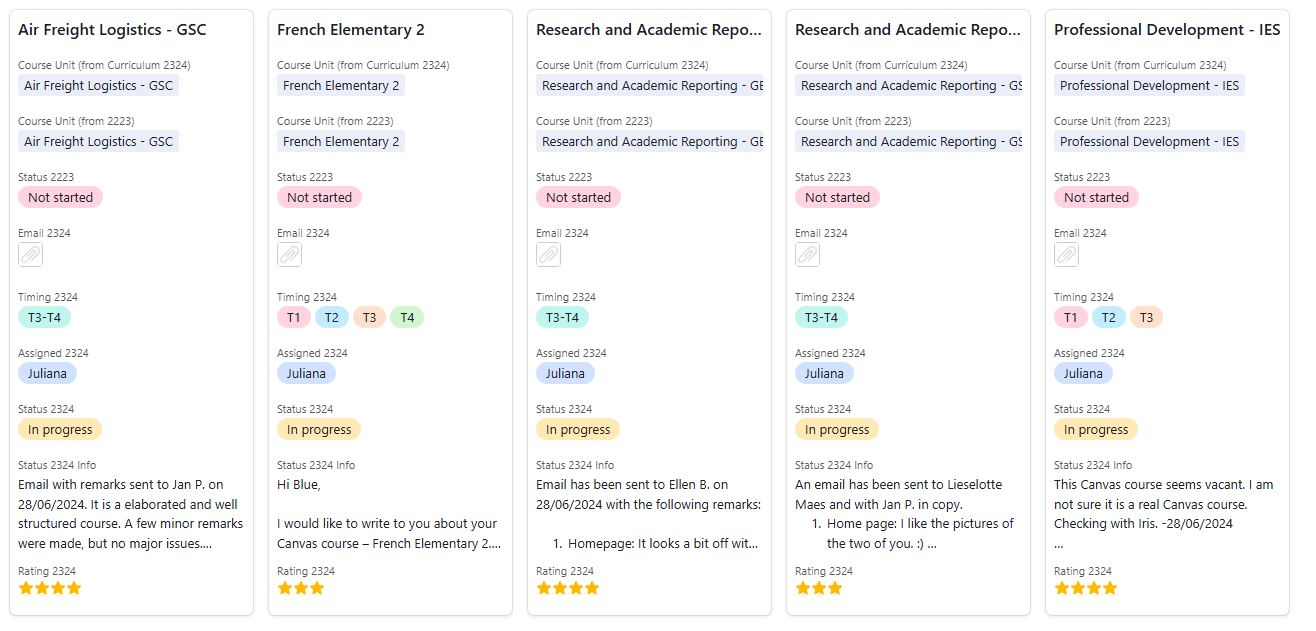
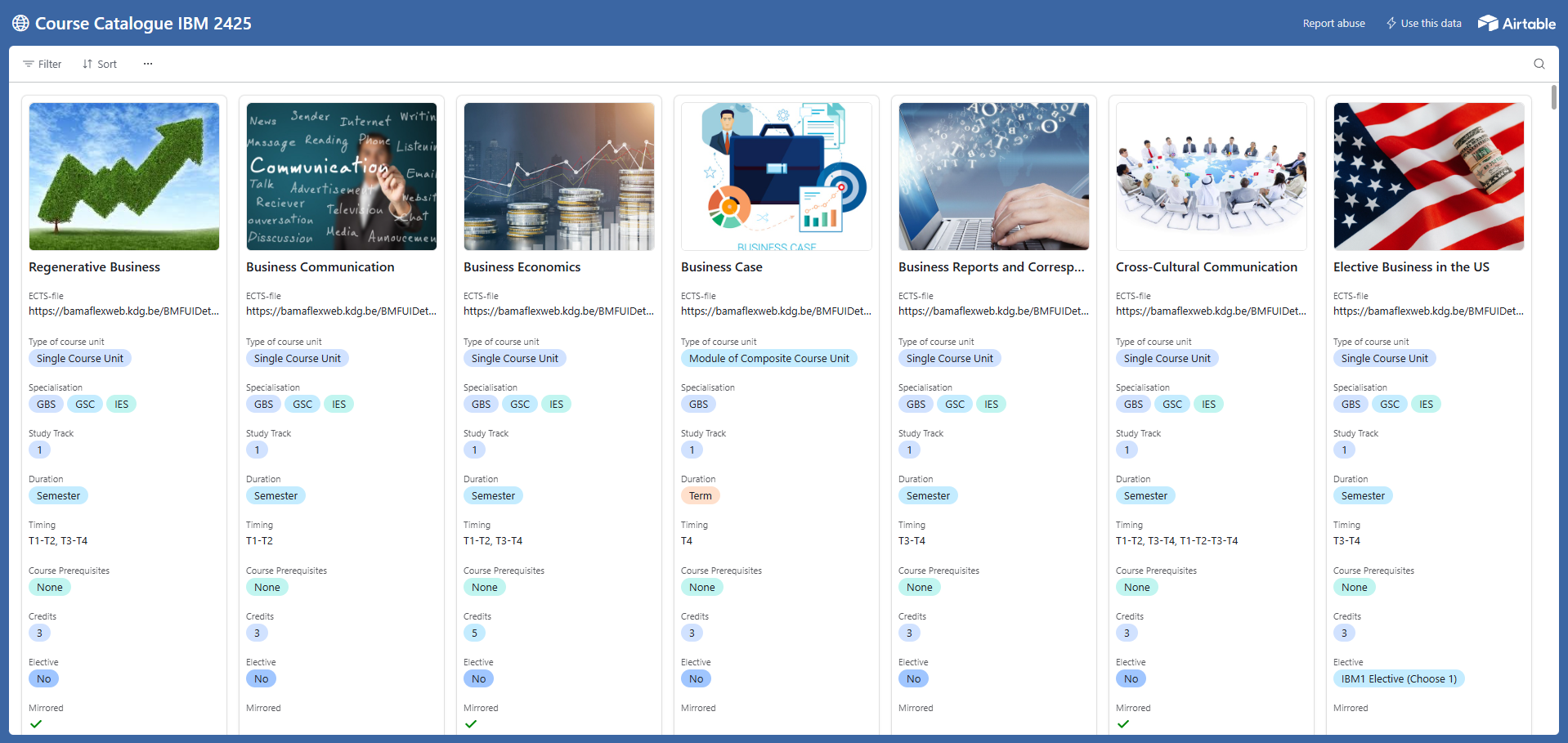
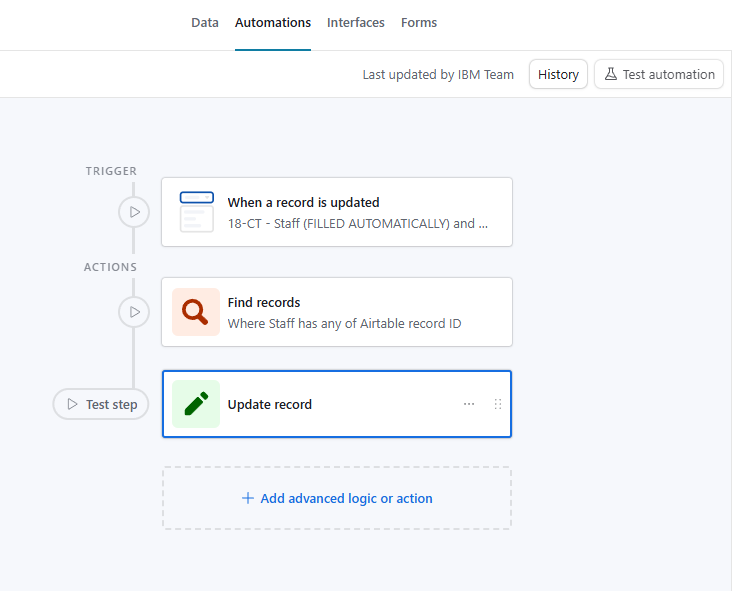
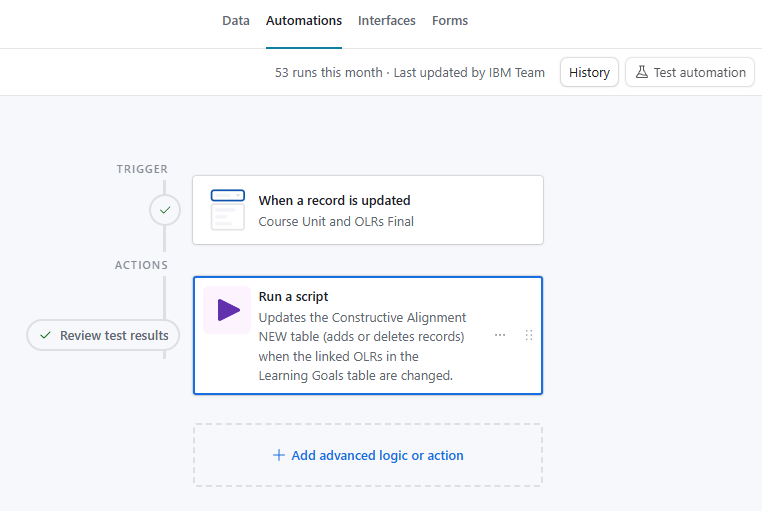
The free version already offers a great deal: multiple tables that link to each other, different views of the same data (grid, calendar, kanban, gallery), and simple automations to reduce repetitive tasks.
For small organisations, freelancers, and non-profits, this makes it a powerful tool to bring clarity to processes that currently live across scattered spreadsheets, emails, or sticky notes.
What I can help you build:
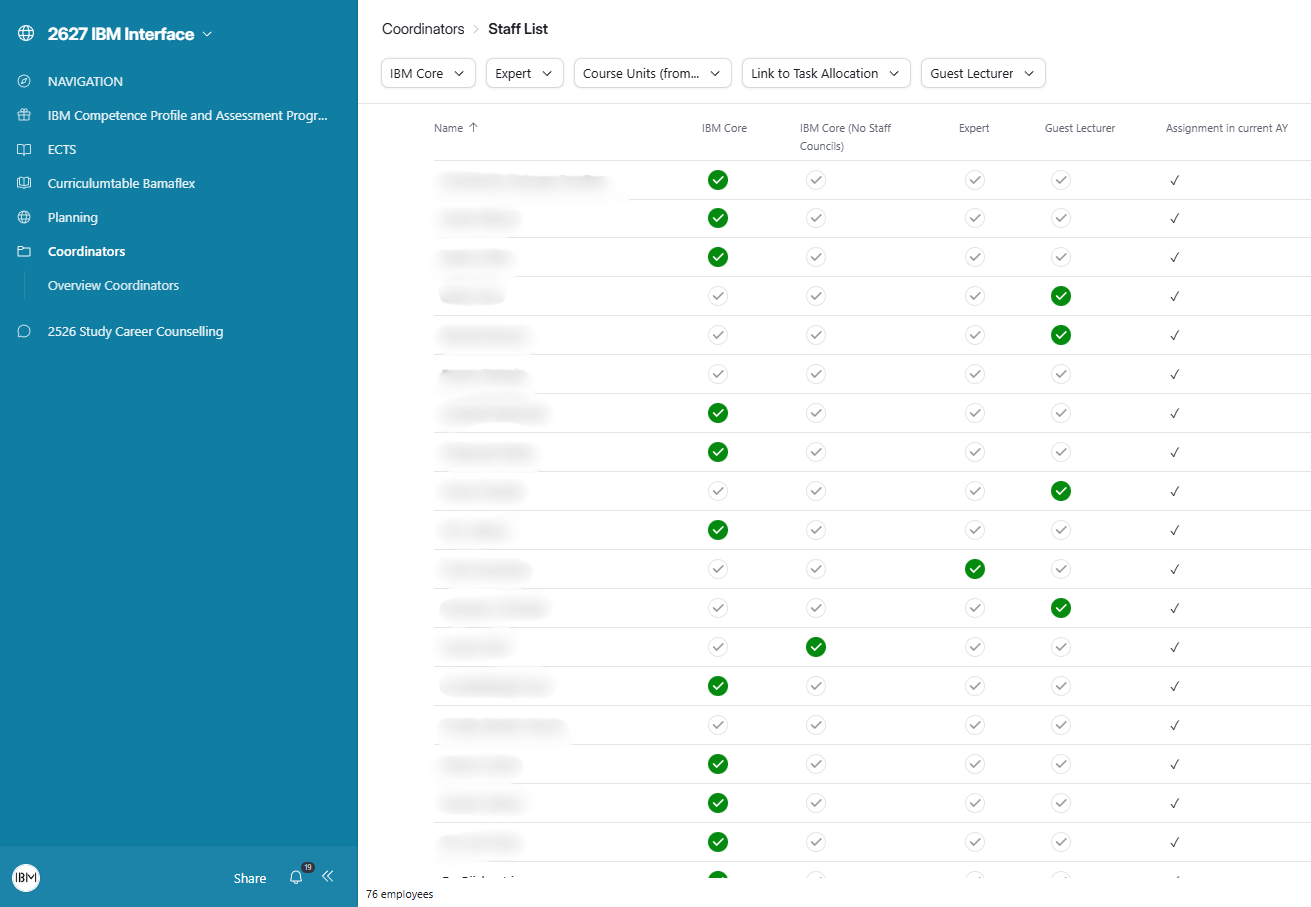
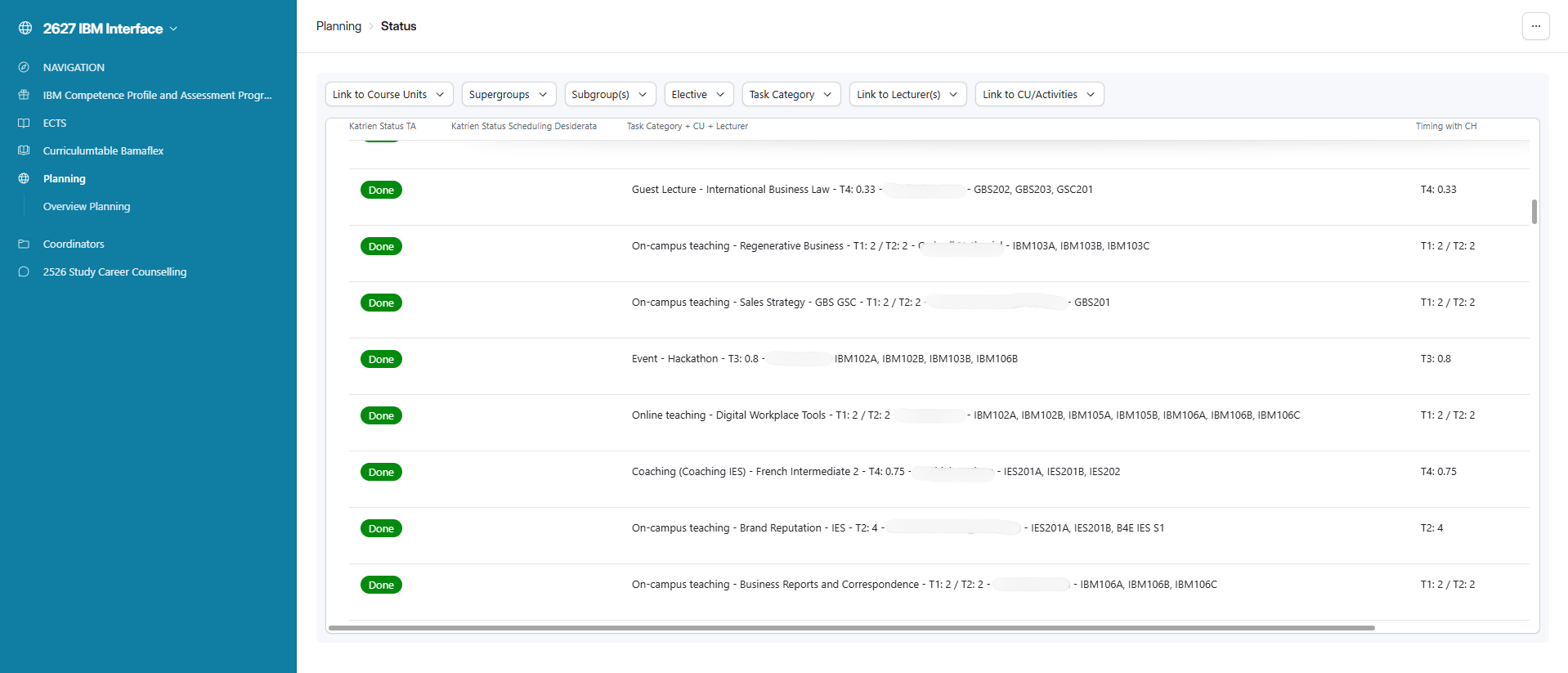
Lesson and room planning — link teachers, students, rooms, and availability in one place
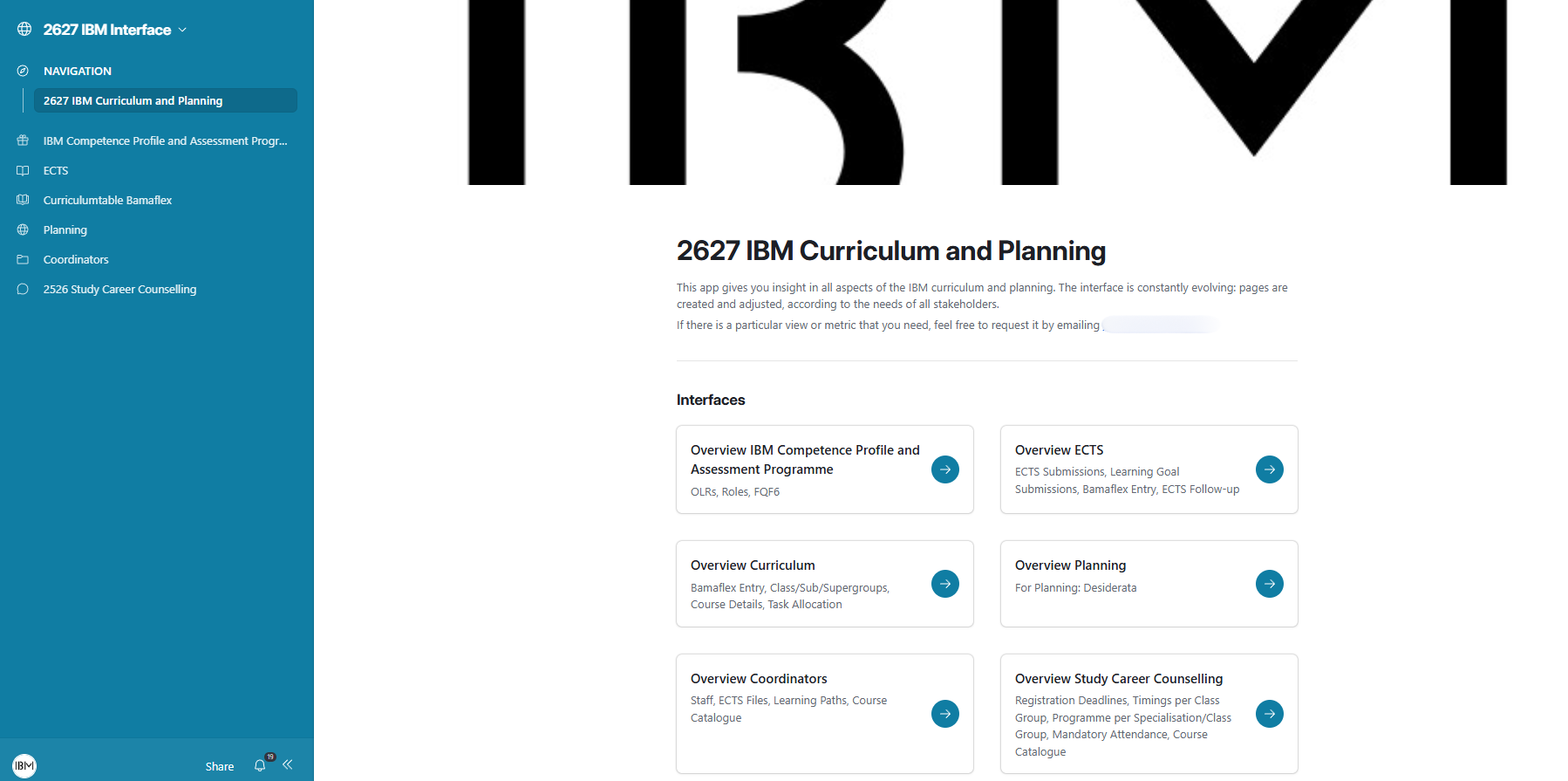
Curriculum and training administration — track modules, competencies, and progress
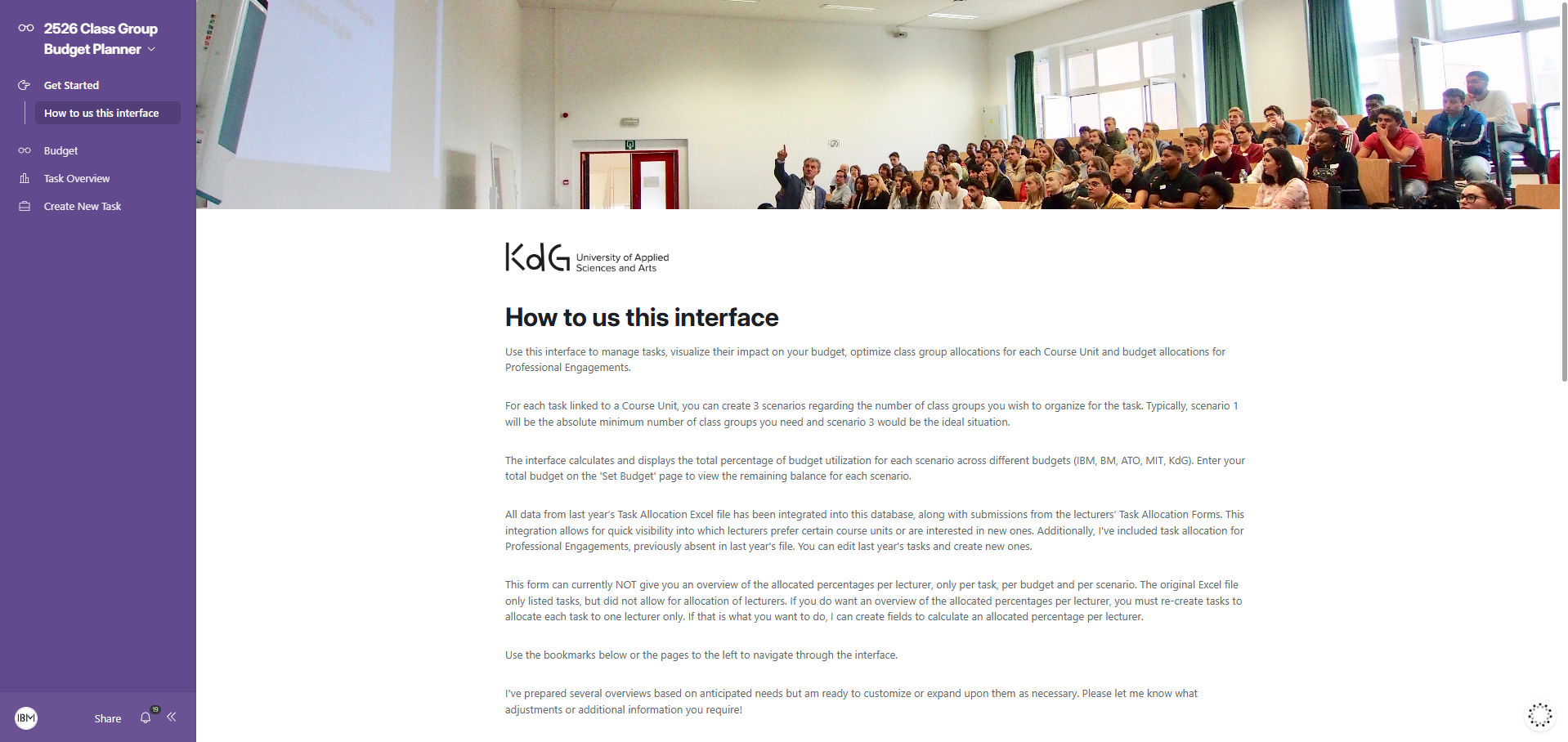
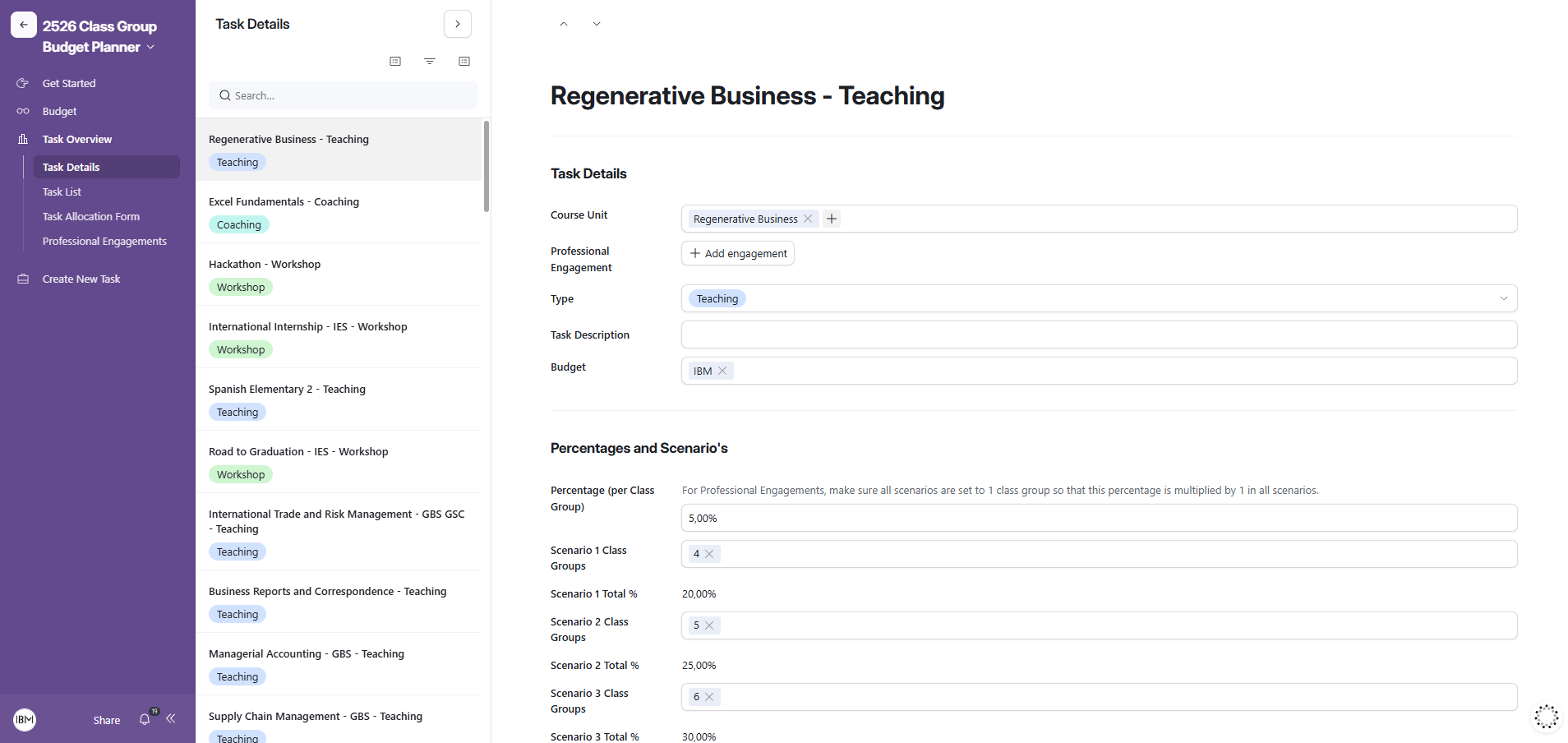
Task and project management — assign tasks, set deadlines, follow up visually
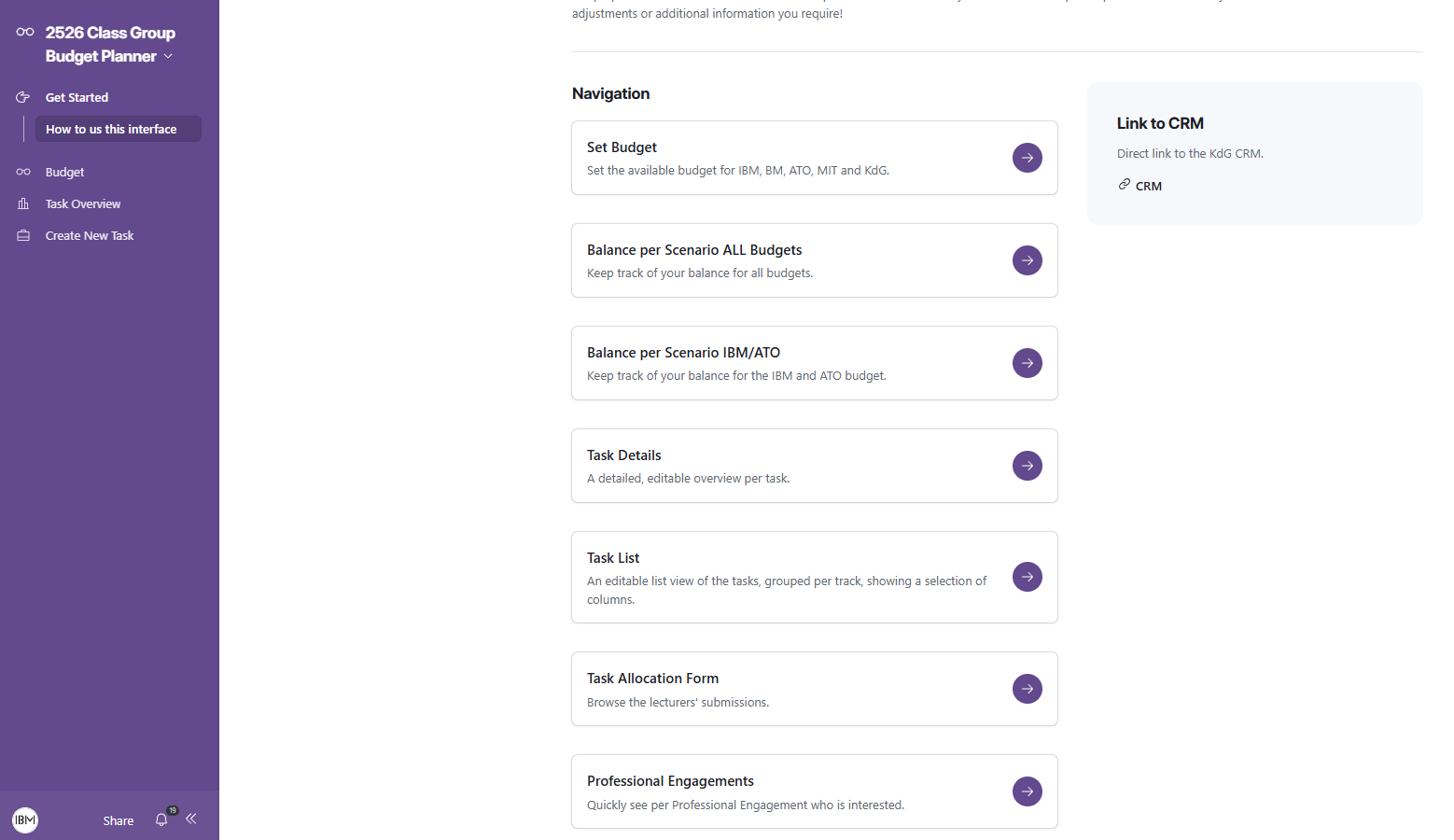
Budget tracking — monitor income, expenses, and forecasts across projects
Quality monitoring — log actions, follow up on feedback, track improvement cycles
Product or service catalogues — manage offerings, pricing, and status in one clear base
Volunteer or member management — for associations and non-profits
Event planning — coordinate logistics, registrations, and responsibilities
Every Airtable project I build is designed to be handed over: clear, documented,